Fax Guides
How to Receive a Fax Online
You don't need a fax machine or a phone line to receive a fax anymore. Sign up for an online fax service, get an inbound number, and incoming faxes land in your email or app as a PDF. Below I'll walk through exactly how it works, plus how to do it free if you only need it once.
The short version: receiving a fax online means a service gives you a dedicated fax number, answers the call for you, and delivers the fax as a PDF to your email, app, or dashboard. There's one catch. Free send-only tools can't receive. You'll need a plan that includes an inbound number.
Most people are set up and receiving within about ten minutes.
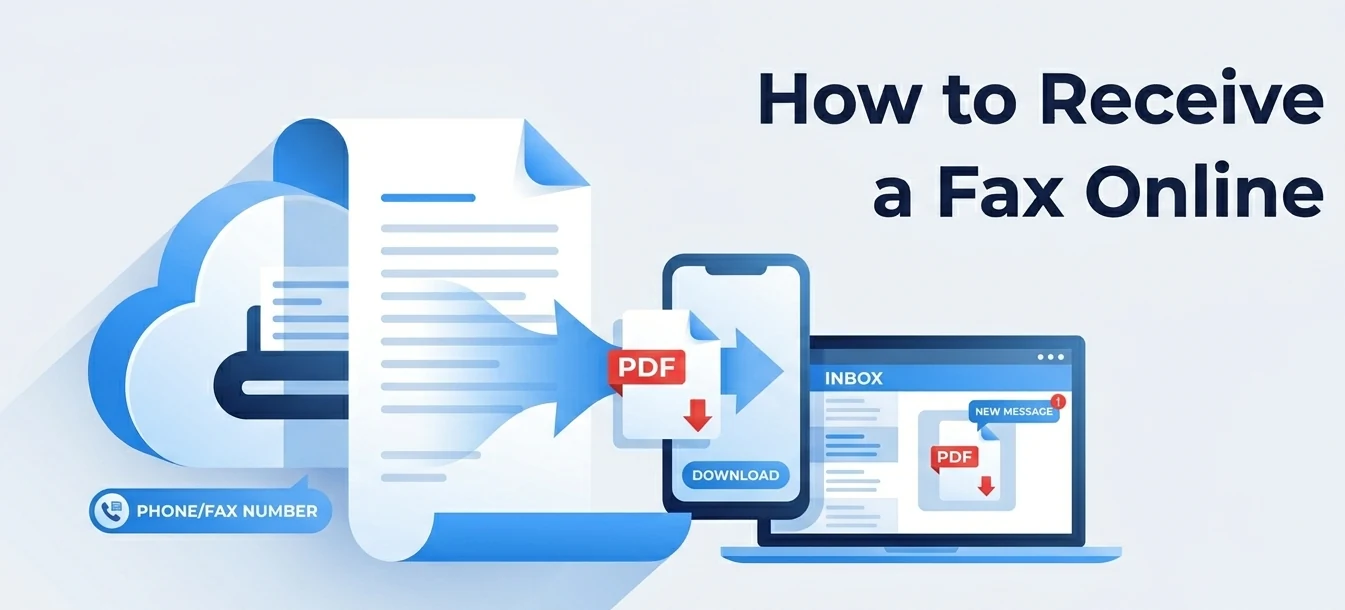
How to receive a fax online in 3 steps
No hardware, no landline. Just a number and somewhere to send the PDF.
1. Pick a service that receives
Not every option can receive. Free send-only tools like FaxZero can't do it at all, since receiving needs a dedicated inbound number. Fax.Plus, Documo, iFax, eFax and Dropbox Fax all receive on a paid plan.
2. Get a fax number
When you sign up, pick a new local or toll-free number. Or bring your existing fax number across. Porting it is usually free and takes a few business days. This number is what senders dial to reach you.
3. Faxes arrive as a PDF
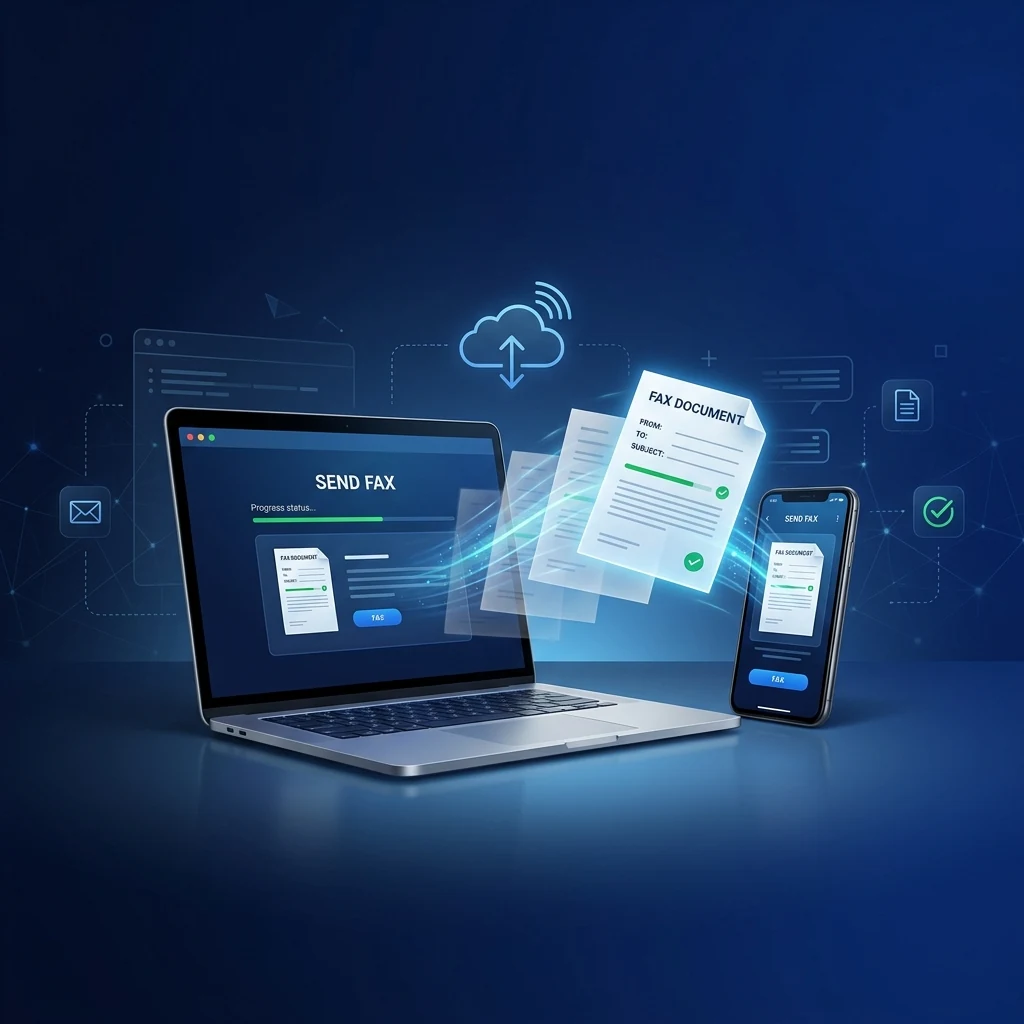
When someone faxes your number, the service answers the call, converts it to a PDF, and delivers it with a notification. That lands in your email inbox, the mobile app, or your online dashboard.
What "receiving a fax online" actually means
A traditional fax needs a machine plugged into a phone line, sitting there waiting for a call. Online fax moves that whole job to the cloud. The service owns a real fax number and a bank of servers that answer incoming calls around the clock. When a fax comes in, those servers do the "handshake" with the sending machine, capture the pages, and turn them into a PDF. Then they push that file wherever you asked, whether that's an email inbox, a mobile app, or a web dashboard.
For you, that means a fax can arrive while your computer is off and you're nowhere near your desk. Nothing has to stay powered on. No busy signal, no paper jam, no second phone line to pay for. You just open the PDF when the notification arrives.
Can you receive a fax for free?
This is where receiving parts ways with sending. You can send a fax for free all day. FaxZero and similar tools exist for exactly that. Receiving for free is much rarer. A fax has to arrive somewhere, and that "somewhere" is a dedicated phone number the provider has to lease and keep online for you. Numbers cost money, so they sit behind a paid plan.
The honest free routes are narrow. One is a provider's free trial, where you get a real inbound number for the length of the trial. The other is a small monthly plan that bundles a number in. If you only need to catch a single incoming fax, say a signed contract or a medical record, the cheapest answer is usually a one-month plan you cancel afterward. A truly free workaround for receiving just doesn't exist.
Keep your existing fax number
Already have a fax number people use? You don't have to give it up. Most online fax services let you port (transfer) an existing number onto their platform. It's typically free and takes a few business days while the carriers hand it over. Best of all, your old line keeps receiving during the transfer, so you won't miss anything mid-port.
If you're switching from an old machine or a number tied to your phone provider, start the port early and don't cancel the old service until the transfer confirms. Once it lands, every fax to that familiar number arrives as a PDF instead of a printout.
Best services for receiving a fax
The top 5 from our 2026 ranking. Each includes a dedicated inbound number on a paid plan.
| Service | Receive faxes | Free route | Notes |
|---|---|---|---|
| Fax.Plus | Yes, local & toll-free | Paid plans (free tier only sends) | Our number one pick. You get a solid inbound number in over 90 countries, and faxes land right in your email and app. |
| Documo | Yes, dedicated number | 14-day free trial | Built for healthcare. Every plan is HIPAA compliant and comes with a signed BAA, so what you receive stays secure. |
| iFax | Yes, on the Plus plan | 7-day free trial | The best mobile app of the bunch. Just remember the Basic plan only sends, so you need Plus if you want to receive. |
| eFax | Yes, local or toll-free | Free trial, then paid | A name that has been around for decades. You get an inbound number, faxes arrive by email, and it works in over 200 countries. |
| Dropbox Fax | Yes, Professional plan and up | Free 5 pages (send) | Receiving kicks in on the Professional plan ($19.99). Worth it if you already work inside Dropbox or Google Workspace. |
Need to send too? See the full picture in our best online fax services ranking, or learn how to send a fax without a machine.
Frequently Asked Questions
How do I receive a fax online?
Sign up with a service that gives you an inbound number (Fax.Plus, Documo, iFax, eFax and Dropbox Fax all do). Pick a new local or toll-free number, or port your existing one, then share it with senders. Incoming faxes get turned into a PDF and delivered to your email, app, or dashboard.
Can I receive a fax for free?
Rarely. Most free tools like FaxZero are send-only, because receiving needs a dedicated number that providers charge for. Your realistic free routes are a free trial or a low-cost plan with a number. For a one-off, a single paid month you cancel is usually cheapest.
Do I need a fax machine or phone line to receive a fax?
No. The service answers the call on its servers and turns the fax into a PDF, so there's no machine, landline, or hardware to maintain. All you need is an internet connection and the inbox or app where faxes arrive.
How do I get a fax number to receive faxes?
You get one when you sign up. Choose a new local or toll-free number, or port an existing one in (usually free, a few business days). Your old line keeps working until the transfer completes.
Where do received faxes go?
Wherever you set. Most services email each fax as a PDF and also keep a copy in your dashboard and app. You can usually add multiple recipient emails, turn on notifications, and download or forward the file like any attachment.
Can I receive a fax by email?
Yes, and it's the most common setup. The service attaches each received fax as a PDF and emails it to the address you chose. To reply by fax, send back through the provider's app, portal, or email-to-fax address instead of replying to the email.