
Online Fax Tools and Resources
Guides, free tools, and resources to optimize your fax sending. Everything you need to master online faxing.
- Free tools
- 4
- Practical guides
- 6
- Signup required
- None
- Resources
- Up to date
- Tool 01 Live Fax Number Validator Verify if a fax number is valid before sending your document. Open the tool →
- Tool 02 Live Fax Cost Calculator Estimate the cost of sending faxes based on service and destination. Open the tool →
- Tool 03 Live Fax Cover Page Generator Create professional cover pages in PDF, ready to download or print. Open the tool →
- Tool 04 Live Fax Number Directory Find verified fax numbers for government agencies, healthcare, and banks worldwide. Open the tool →
What Each Tool Does
What you put in, and what you get back.
| Tool | You give it | You get back |
|---|---|---|
| Fax Number Validator | A fax number, in any format | Whether the format is valid, and why not if it isn't |
| Fax Cost Calculator | Pages per month and destination | The monthly cost on each plan we track |
| Fax Cover Page Generator | Sender, recipient, subject, page count | A printable PDF cover sheet |
| Fax Number Directory | The sector you need to reach | Where to look up that sector's fax numbers |
Recommended service
Fax.Plus – The Complete Solution
Rather than separate tools, use Fax.Plus which integrates everything: customizable cover pages, electronic signature, automatic conversion, and 10 free pages every month to 190+ countries.
Available Guides
6 resources covering the ranking, the reviews, and the how-to.
-
 Best Services Ranking Our top 10 online fax services tested and compared. View ranking →
 -
 Detailed Reviews Complete tests and expert reviews for each fax service. Read reviews →
 -
 Free Fax Guide How to send faxes online for free. View guide →
 -
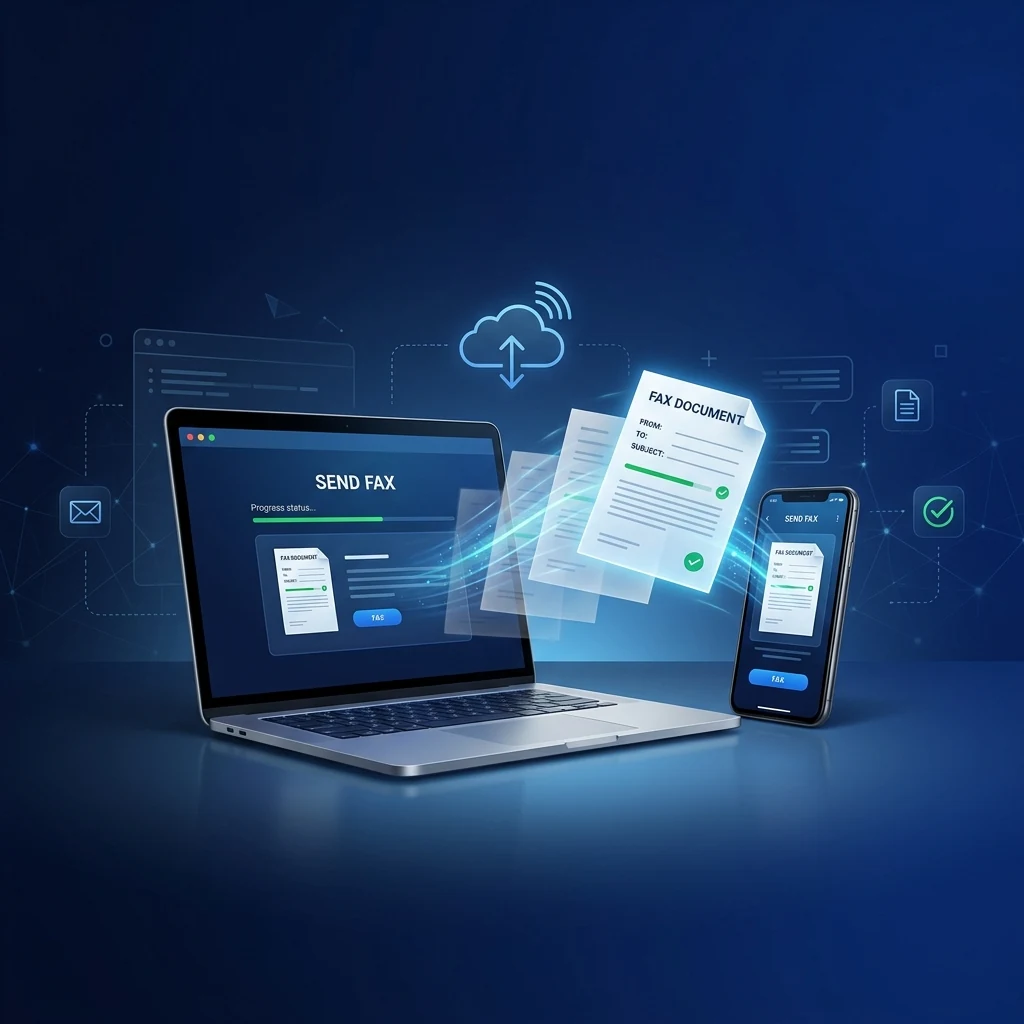 Fax Without a Machine 4 easy methods to send a fax without a fax machine, from your computer or phone. Read guide →
 -
 Best Email Fax Services Send and receive faxes via email, with no machine or app needed. Read guide →
 -
 Cloud Fax Services & API Cloud fax platforms with API integration for business automation. Read guide →
Tips for Sending a Successful Fax
6 habits that stop a fax from failing or costing more than it should.
- 01
Use PDF format
PDF preserves formatting and ensures your document will be readable when it arrives.
- 02
Verify the number
Include the country code (+1 for USA) and verify each digit before sending.
- 03
Add a cover page
A professional cover page with your contact info makes it easier to process your fax.
- 04
Limit images
Faxes with many images take longer and cost more. Prefer text when possible.
- 05
Keep confirmation
Always save the send confirmation as proof of transmission.
- 06
Test your number
Before an important send, test to your own number to verify quality.
Frequently Asked Questions
How do I send a fax from my computer?
To send a fax from your computer, sign up for an online fax service like Fax.Plus or CocoFax. Upload your document (PDF, Word, image), enter the recipient's fax number, and click Send. You'll receive a confirmation by email.
What document format should I use for a fax?
The most common formats are PDF, Word (DOC/DOCX), and images (JPG, PNG). PDF is recommended as it preserves formatting. The ideal resolution is at least 200 DPI for good readability.
How do I receive faxes to my email?
Subscribe to an online fax service that assigns you a dedicated fax number. Faxes sent to this number will be automatically converted to PDF and sent to your email address.
Are online faxes secure?
Yes, professional services like Fax.Plus and CocoFax use TLS/SSL encryption to protect your documents. For medical data, choose a service with a signed BAA at a published price, such as iFax Plus ($24.99/mo): CocoFax advertises HIPAA, GDPR and PHIPA from $4.99/mo, but those claims are self-attested and the BAA must be requested separately.
Tools & resources · 2026
Ready to send your first fax?
Get started for free with our recommended service